How to Make Your Own Map Quiz for Your Class (Free)
November 5, 2026 · 4 min read
A whole-continent map quiz is great practice, but it is rarely what a class needs on a Monday morning. If this week's lesson covered twelve countries of West Africa, or the states of New England, the quiz should ask about those places and nothing else.
You can now build exactly that on DodoThinks. Open any map quiz, pick the places you want, and get one link. Students who open it play a round of just your places, each asked once. Set the same link as a class challenge, and every score lands on one class board. It is free, and nobody needs an account.
The short version:
- Open a map quiz and tap Make your own quiz.
- Tap the places on the map, or tick them in the list.
- Add a title if you like, then tap Get the link.
- Share the link, or tap Set it as a class challenge.
Step 1: Open the right map
Start on the map that holds your places: the world map, a continent such as Africa or Europe, or a country map such as the US states, Canada's provinces, Mexico's states, Germany's states or India's states. Every English map quiz on the site works the same way.
Under the level buttons you will find Make your own quiz. Tap it to open the picker.
Step 2: Pick your places
There are two ways to pick, and you can mix them.
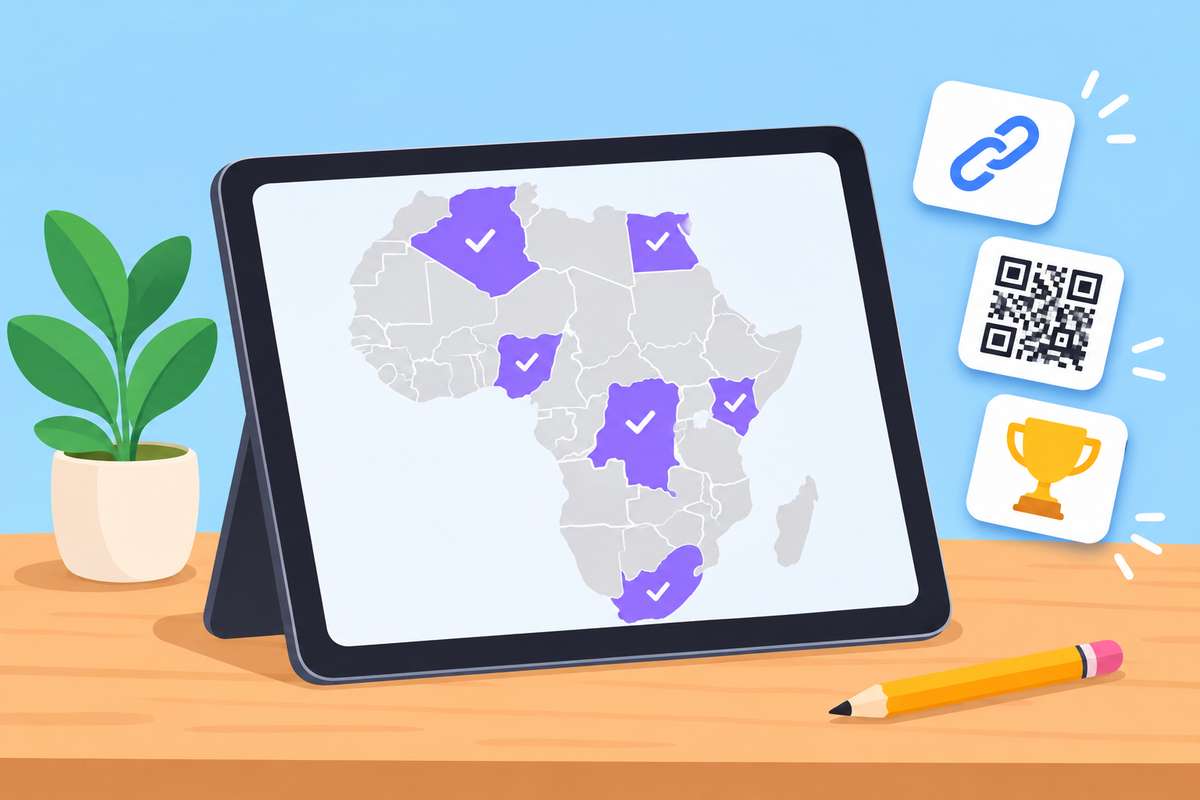
On the map. Tap a country and it turns violet: it is in your quiz. Tap it again to take it out. The line under the map tells you what you just added or took out, so you never wonder whether a small country made it in.
From the list. Open "Pick from the list" for every place on the map in alphabetical order, with a search box. Type "nig" and you see Niger and Nigeria side by side. This is the quickest way to add small places, such as the island nations or the microstates of Europe, and to check spellings.
A counter shows how many places you have picked. A quiz needs at least three. Pick all selects the whole map, and Clear starts again.
Step 3: Add a title
The title is optional, but it helps. Something like "Monday's test: West Africa" appears on the level button and at the top of the round, so students know they are in the right quiz. Keep it short; there is room for 60 characters.
Step 4: Get the link
Tap Get the link. You get three things:
- The link itself, with a Copy button. Paste it into your class page, a message or an email.
- Play it now, to try your quiz before the students do.
- Set it as a class challenge, which opens the class setup with your places already chosen.
The link holds the list of places, so there is nothing to save and nothing to sign up for. The same places always make the same link. To change a quiz later, open its link and tap Make your own quiz again: the picker starts from your places and your title.
What students see
When a student opens your link, your quiz is the first level on the page, with its title and the number of places. They tap it and play a normal round: a place is named, and they click it on the map. Every place you picked comes up exactly once, in a random order.
At the end they see their score, the share they got right and the time it took, and they can play it again as often as they like.
Using it as a class challenge
A class challenge turns your quiz into a shared round with its own board:
- On your quiz link, tap Set it as a class challenge, or use the Teachers card at the foot of the page.
- Give the challenge a name and choose how long it stays open: a day, a week or a month.
- Share the code, the link or the QR code with your class.
Each student types a first name or a nickname and plays once. Everyone gets the same places in the same order, so the scores are fair to compare. The class board fills in live as they finish. See the Teachers page for the details.
Ideas for your quizzes
- The week's review. Eight to fifteen places from this week's lesson make a five-minute starter.
- Test practice. Before a map test, give students the exact list they will be tested on, and let them play it as often as they like.
- The look-alikes. Put the places students mix up side by side: Niger and Nigeria, the three Guineas, Slovakia and Slovenia.
- A region at a time. The Balkans, the Caribbean, the Midwest or the states that touch the Mississippi.
- Smaller sets for younger students. Five big, well-known countries first, then a bigger set the next week.
Good to know
- It is free. There is no paid version of this feature, and no limit on how many quizzes you make.
- Students need no account. They open the link and play.
- Your link is not listed anywhere. Only the people you send it to will find it.
- English map quizzes for now. The translated sections of the site keep their own levels.
Try it
Open the Africa map quiz, tap Make your own quiz and pick five countries. It takes under a minute, and you will have a link ready for your next lesson.